
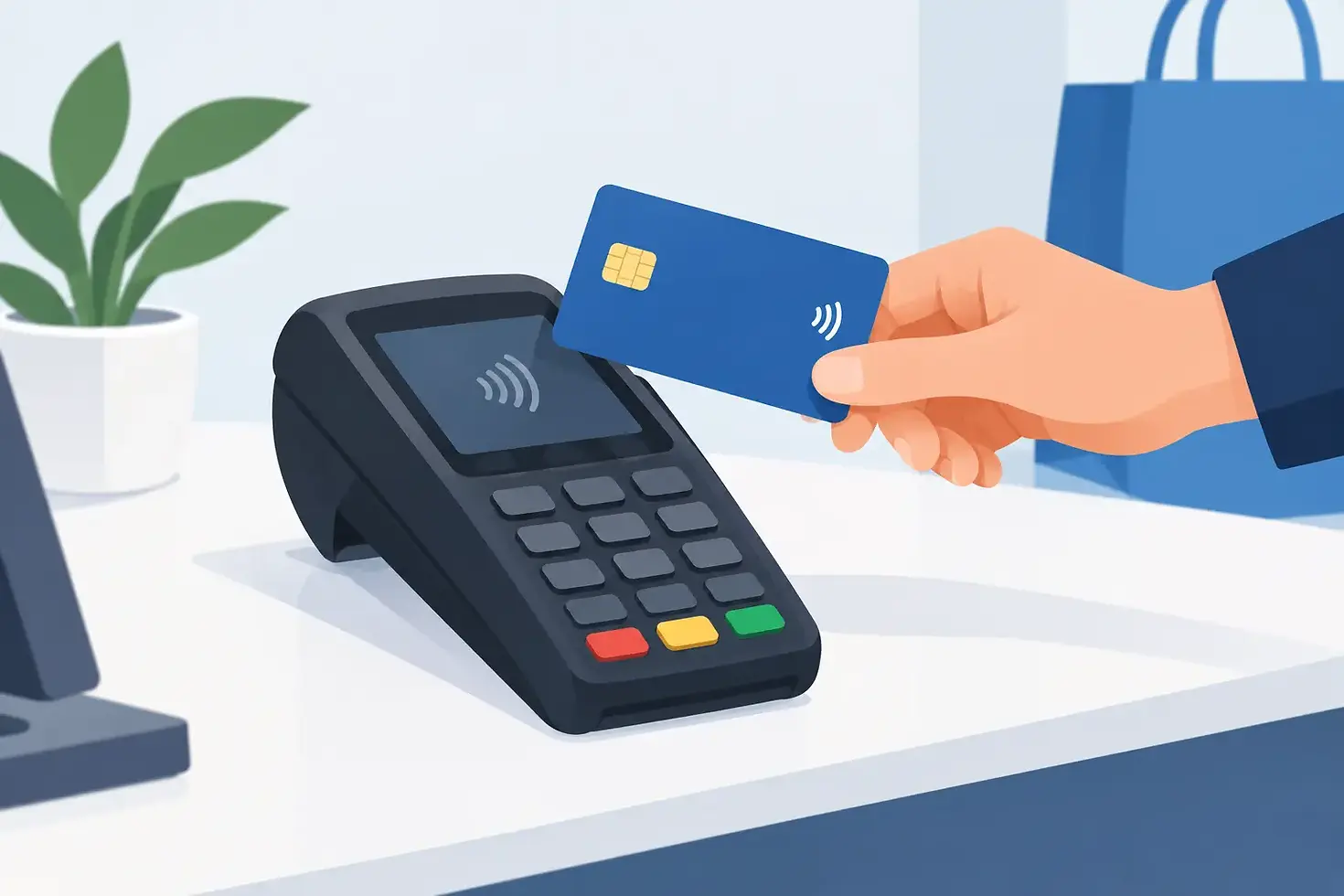
How a Chip and PIN Payment Machine Helps
A chip and PIN payment machine is often the last thing a customer notices when everything works properly. They tap or insert their card, enter a PIN if needed, take their receipt and leave. But when a terminal loses signal, declines a genuine payment or adds unexpected costs to your month, it quickly becomes a business problem.
For a café at the Saturday rush, a salon between appointments or a shop serving a queue at the till, taking payments reliably is not optional. The right card machine helps you protect cash flow, reduce friction at the counter and give customers confidence that paying will be quick and straightforward.
What does a chip and PIN payment machine do?
A chip and PIN payment machine reads the chip on a customer’s debit or credit card and asks them to enter their personal identification number on the keypad. The transaction is authorised through the card network and, once approved, the payment is processed for settlement into your business account.
Most modern machines do more than chip and PIN. They can also accept contactless cards, mobile wallets, signature payments where applicable and digital receipts. Some touchscreen terminals can scan barcodes, connect to EPOS software and work across Wi-Fi, mobile data and Bluetooth connections.
That flexibility matters because customers do not all pay in the same way. Contactless may keep a queue moving, while chip and PIN remains essential for payments above the contactless limit, customers who prefer to use their card physically, or transactions where a PIN check is required.
Why the terminal matters beyond the till
A card machine is part of the customer experience. A slow or unreliable terminal can make an otherwise excellent service feel frustrating. It can also leave staff in the awkward position of asking a customer to try again, use another card or find cash.
For small businesses, the commercial impact goes further. Every card payment has a processing cost, and unclear pricing makes it harder to manage margins. A low headline rate is not much use if it is followed by extra charges for compliance, statements, payment reversals, terminal replacements or early exit.
This is why it pays to look at the whole arrangement: the hardware, processing rates, contract terms, settlement times and quality of support. A machine is only as useful as the service behind it when something goes wrong.
Choosing the right chip and PIN payment machine
The best terminal depends on where and how you trade. There is no single machine that suits every business, and choosing on price alone can create problems later.
Countertop terminals for fixed tills
A countertop terminal is a sensible choice for businesses that take most payments from one position. Retail shops, reception desks and takeaway counters often benefit from a wired or Wi-Fi-connected device that stays by the till.
The advantage is consistency. Your staff know where the machine is, it is always charged and it can sit alongside your EPOS system. If your counter has a reliable internet connection and customers generally come to you to pay, a fixed terminal is usually the simplest option.
Portable machines for table service
Restaurants, pubs, cafés and busy salons need to take payment where the customer is. A portable terminal lets staff bring the machine to a table or chair rather than asking people to queue at a counter.
Check the connection range before choosing this type of machine. Wi-Fi can work well in a smaller venue, but a building with thick walls, outdoor seating or multiple floors may need a machine with mobile data connectivity as well. The aim is to avoid the familiar walk around the room searching for signal while a customer waits.
Mobile and touchscreen terminals for flexible trading
If you trade at markets, events, pop-ups or customers’ premises, a mobile terminal with multi-network connectivity gives you more freedom. It can also provide useful backup when your main broadband connection is down.
Advanced touchscreen models, such as the PAX A920, are worth considering when you need more than payment acceptance. Features such as barcode scanning, receipt options and EPOS or inventory-software integration can save staff time and reduce manual errors. They may cost more than a basic terminal, so the right question is whether those features solve a genuine operational issue in your business.
Check the costs before you sign
Card processing should be easy to understand. Before agreeing to a provider, ask for the debit-card rate, credit-card rate, monthly terminal rental, contract length and every possible additional charge in writing.
You should also establish whether your rates can change during the contract. Variable pricing can make budgeting difficult, particularly when card sales make up most of your takings. Fixed rates give you a clearer view of the cost of every transaction and make it easier to plan pricing and margins.
At Accepted Payments, published pricing is designed to remove that uncertainty: 0.40% for debit-card processing, 0.80% for credit-card processing and £19.99 per month for terminal rental, on a 36-month fixed contract. There are no hidden fees, so you know what you are agreeing to before the machine arrives.
A longer contract can be a good fit when fixed rates and dependable equipment give your business stability. It is still worth considering your plans. If you expect to move premises, add locations or trade seasonally, discuss what hardware and connectivity will suit you now and later.
Do not overlook settlement speed
A successful card transaction is not the same as money in your bank account. Settlement timing affects how quickly you can pay suppliers, cover wages and replenish stock.
Next-day settlement can make a real difference to a small business managing day-to-day cash flow. It creates a more predictable rhythm between sales and available funds, rather than leaving you waiting several working days after a busy weekend.
Ask how settlement works around weekends and bank holidays, and make sure you understand any cut-off times. Clear answers are a sign of a provider that respects the practical realities of running a business.
Reliability is about connection and support
Even the best terminal can encounter a problem. Broadband can fail, batteries run low, a setting can be changed accidentally or a device can be damaged in a busy service. What matters is how quickly you can get trading again.
Choose a machine with connectivity that matches your premises. Wi-Fi is convenient, but mobile data can provide valuable resilience. For some businesses, particularly those that take payments away from the counter, having access to more than one network option is less of a feature and more of a safeguard against lost sales.
Then look closely at support. A generic helpdesk that sends you through several menus is little comfort when customers are waiting. UK-based technical support, clear response standards and next-day replacement equipment can prevent a fault from turning into a day of missed takings.
At Accepted Payments, merchants have access to 24/7 UK support, two-hour email responses and next-day replacement equipment where required. That is the kind of practical commitment small businesses should expect, not an expensive add-on or an afterthought.
Make payments easier for staff and customers
A terminal should be simple enough for new staff to use confidently during their first shift. Clear prompts, a responsive screen and straightforward receipt options reduce mistakes at the point of sale.
It is worth deciding in advance how you want receipts handled. Printed receipts remain useful for some customers and businesses, while digital receipts can reduce paper use and keep the counter tidier. Your choice may depend on your customer base, the type of transaction and whether your EPOS system already records the information you need.
Staff training does not need to be complicated, but it should cover the basics: how to take contactless and chip and PIN payments, what to do after a decline, how to check connectivity and who to contact if the terminal stops working. A calm, consistent response protects the customer experience when something unexpected happens.
Security without the jargon
Customers expect card payments to be handled safely, and chip and PIN technology is designed to help verify that the person using the card is authorised to do so. Your role is to keep the terminal secure, follow the provider’s payment procedures and never write down or store card details unnecessarily.
Keep devices where staff can see them, inspect them if anything looks unusual and make sure software updates are completed when prompted. If a customer says a payment has been taken twice or a transaction appears unclear, do not guess. Check the terminal record and speak to your payment provider promptly.
The right provider should explain these steps in plain English. Security should make your business safer, not make taking payments feel difficult.
Choose a partner, not just a machine
A cheap terminal can be tempting, especially when you are watching every outgoing cost. Yet the true value comes from knowing your rates, receiving your funds promptly and being able to speak to someone who understands that a failed payment terminal means a disrupted business.
Your customers should barely have to think about paying. Choose the machine and support that let you get back to what they came for: good service, a well-run business and a reason to return.


Comments